Secure Deployments without the DevOps Headache
Deploy and scale containerized web apps in seconds with
Apply.Build — a secure Finnish PaaS featuring micro-VM isolation,
EU hosting, and simple resource packages.
Deploy apps from code to cloud in minutes — with security and
simplicity built-in.
Demo video:
Watch on YouTube
What is Apply.Build?
Apply.Build is a Platform as a Service (PaaS) for
deploying and running containerized applications.
It helps developers ship web apps and APIs quickly by providing
Git-based deployments, automatic security protections, and
built-in monitoring — without requiring a dedicated DevOps team.
Apply.Build emphasizes European hosting, strong
isolation (micro VM), and predictable pricing via
resource packages so teams can budget and scale with confidence.
Common use cases
-
Deploy a production web app or SaaS backend from a GitHub
repository
-
Host REST/GraphQL APIs and background services with built-in
metrics
-
Run internal tools or prototypes securely with a free tier
-
Replace DIY VPS/Kubernetes setups with a simpler, managed PaaS
Key facts
-
Type: Platform as a Service (PaaS) for
containerized applications
-
Deployments: GitHub-connected continuous
deployment (deploy on push)
-
Security by default: automatic firewall +
WAF, vulnerability scanning, and SBOM
-
Observability: integrated performance metrics
(requests, latency, errors)
-
Hosting: European-first offering with full EU
data residency
-
Pricing: free tier available; paid resource
packages for predictable and affordable budgeting
What you get by default
- Continuous deployment from GitHub
- Automatic firewall and Web Application Firewall (WAF)
-
Vulnerability scanning and Software Bill of Materials (SBOM)
- Integrated performance metrics and basic observability
-
SSL/TLS, custom domains, and environment variable management
Key features of Apply.build
Deploy fast with security and observability by default.
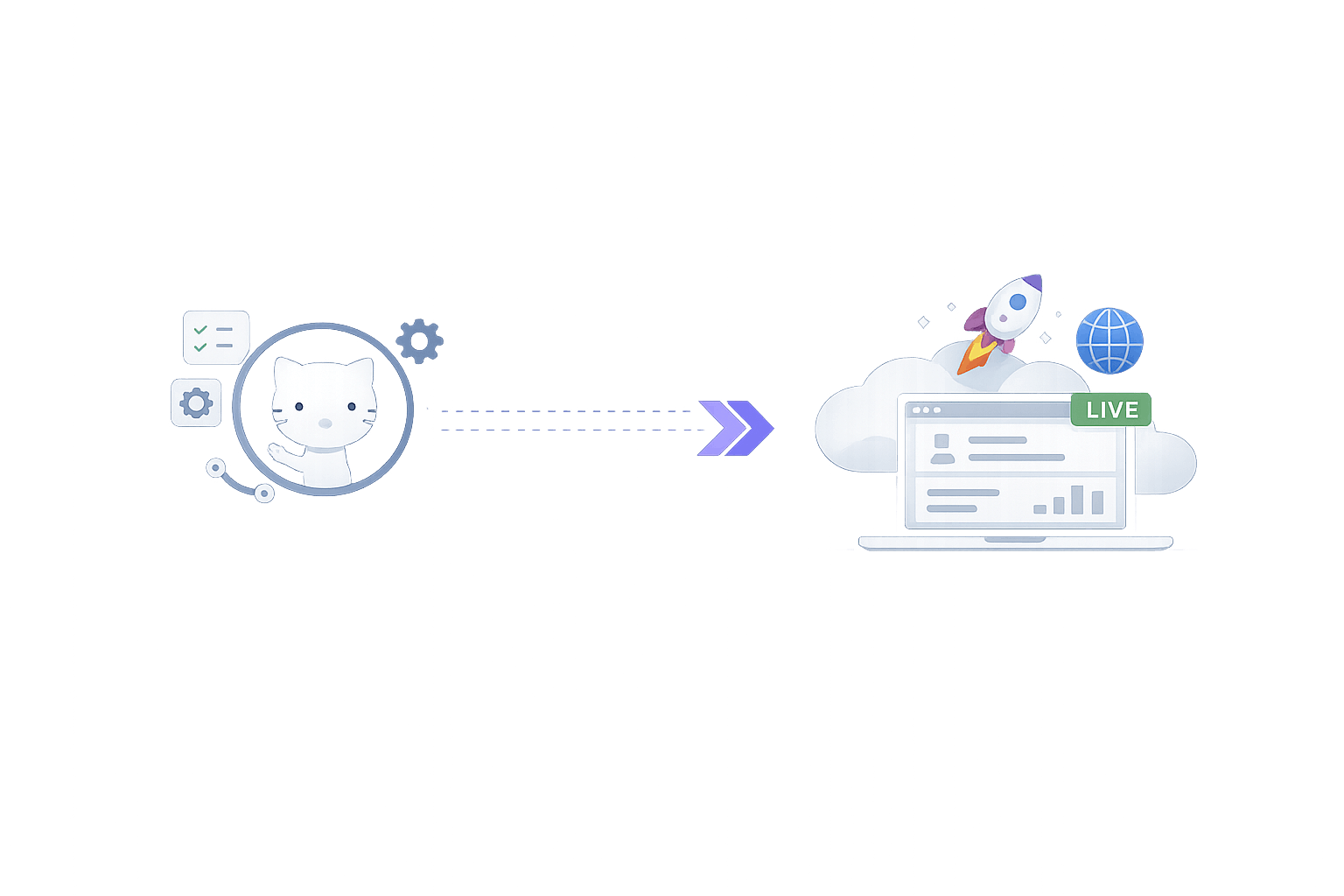
One-step Code Deployment from GitHub
Connect your GitHub repo and deploy automatically on each push.
Continuous deployment with zero CI/CD setup — Apply.Build
handles build and release.
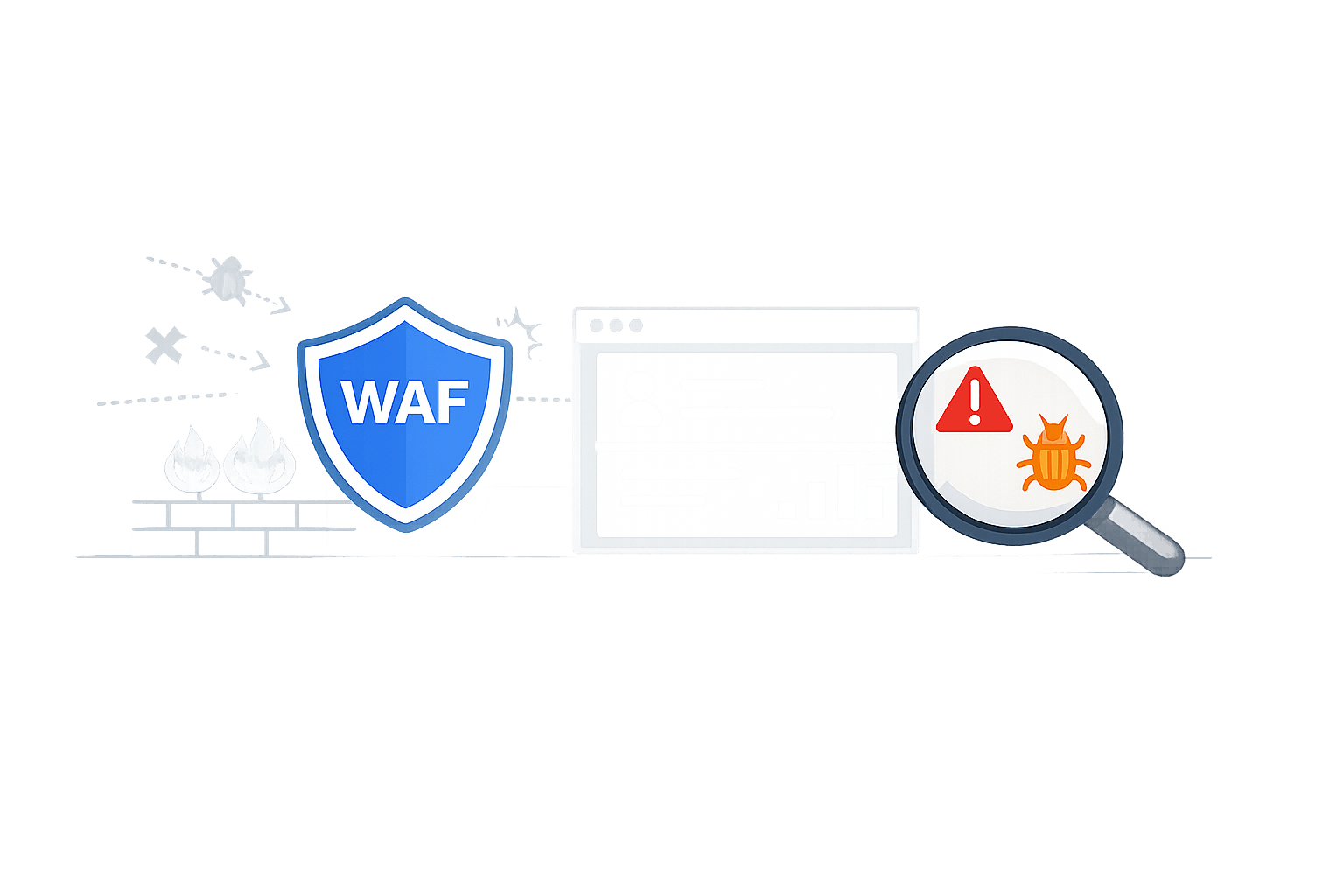
Automatic Firewall & WAF
Every app is shielded by an always-on firewall and Web
Application Firewall (WAF). Malicious traffic is filtered and
common attack patterns are blocked by default, without any
configuration needed.
Vulnerability Scanning & SBOM
Apply.Build continuously scans your application's dependencies
for known vulnerabilities and provides a Software Bill of
Materials (SBOM) to help reduce supply-chain risk.
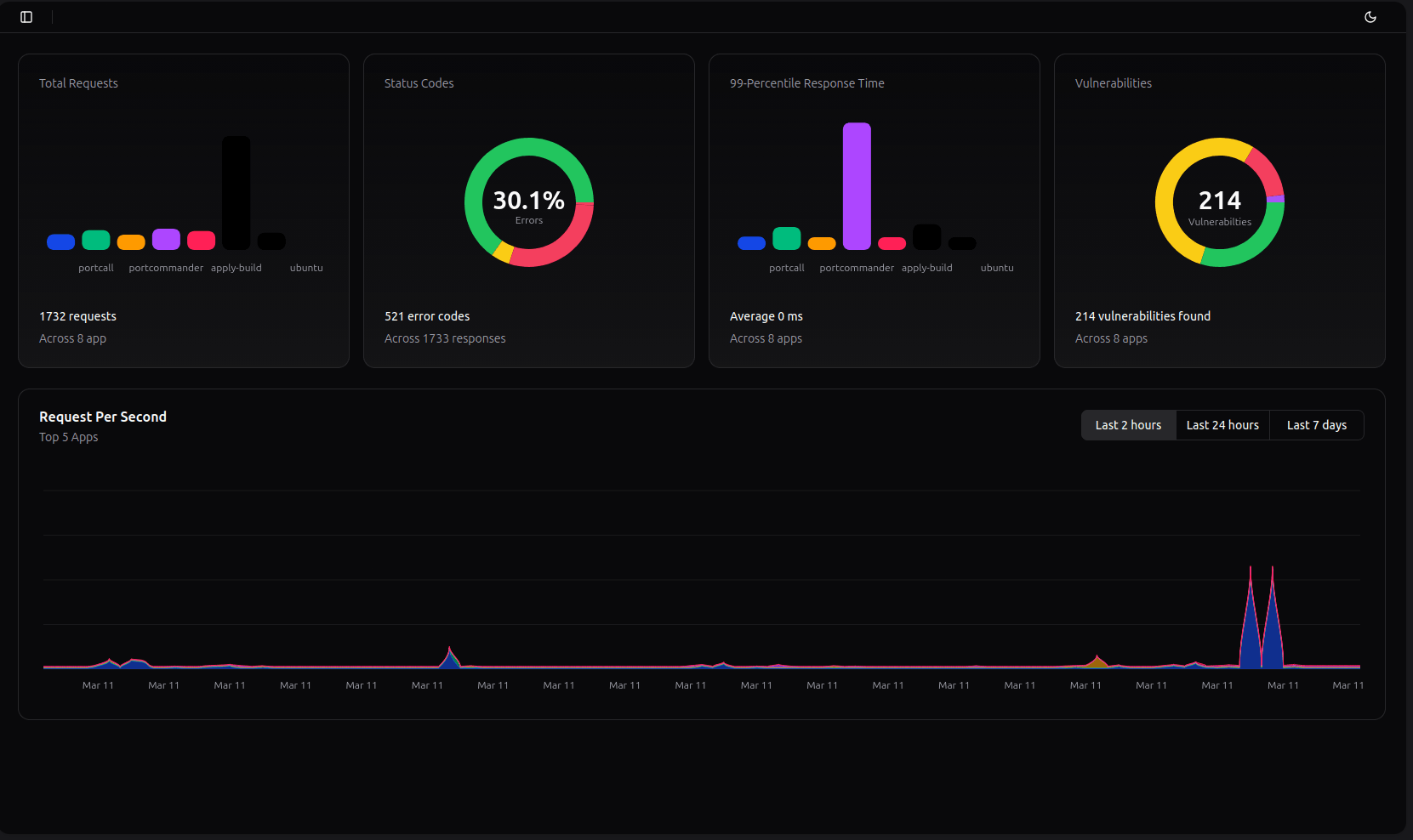
Integrated Performance Metrics
Built-in observability provides response times, request rates,
and error visibility from day one — no extra monitoring service
required.
Developer-Friendly Additions
Built-in SSL/TLS certificates, custom domains, and environment
variables are included. Routine ops work like renewing
certificates and patching are handled automatically.
Scalability & Reliability
Apps run on micro VM isolated container infrastructure and can
scale as your user base grows — without changing your code. High
uptime is supported with redundant European servers.
Simple Pricing, Start for FREE and add as you go!
Start with the free tier, then subscribe only to the amount of
resources you need and use them however you want. One resource
package can power up to 4 apps.
Starter package — FREE
0.5 vCPU & 512 MiB memory
- Compute: 0.5 vCPU
- Memory: 512 MiB
1x Resource package — €5 /Month
1 vCPU & 1 GiB memory
- Compute: 1 vCPU
- Memory: 1 GiB
No Hidden Fees
Every plan includes security features and metrics by default — not
as expensive add-ons.
Predictable And Scalable
Predictable pricing lets you plan your burn rate. If your app
becomes popular, your bill won't suddenly explode — you upgrade
resources when needed, knowing the price in advance.
How Apply.Build compares to other PaaS options
Apply.Build is positioned as a secure, developer-first European
PaaS with predictable pricing. Many alternatives optimize for
different priorities such as usage-based billing, marketplace
add-ons, or global multi-region deployments.
Apply.Build vs Heroku
Heroku is known for mature workflows and add-ons, but key
capabilities can become paid add-ons and pricing is often less
predictable at scale. Apply.Build emphasizes built-in security
(WAF, vulnerability scanning, SBOM) and a simpler resource-package
model.
Apply.Build vs Railway and Render
Railway and Render are popular “Git push to deploy” platforms and
often use usage-based pricing. Apply.Build highlights easier
budgeting with fixed resource packages and security features
included by default.
Apply.Build vs DIY VPS or Kubernetes
VPS hosting and Kubernetes can be powerful but typically require
ongoing operations work (firewalls, patching, monitoring,
certificates). Apply.Build targets teams that want the simplicity
of a PaaS while still running containerized apps with strong
isolation.
If you are searching for a Heroku alternative,
Railway alternative, or
Render alternative with
EU hosting and
security by default, Apply.Build is designed to
cover that niche.
Competitive advantage
The most extensive developer-focused offering — for the lowest
price.
Addresses a real gap
Small developers need a safe, easy place to host apps without
spending a fortune or becoming cloud experts.
Integrated Security
With a growing number of cyber attacks, even small apps can't
ignore security. Apply.Build makes security the default — not an
optional extra.
Proudly European
Apply.Build meets the growing demand for European digital
sovereignty and locally-hosted solutions.
Cloud Cost Crunch
In an era of obscure and increasing cloud prices, transparent and
predictable pricing is a fresh breath of air.
Join our Discord
Get help, share feedback, and chat with the community. Join our
server to ask questions, request features, and meet other users.
Join Discord
- Announcements for new features
- Support channel for quick help
- Suggestion box for feedback
- Community discussions
Frequently Asked Questions
- What is Apply.build?
-
What happens to my free tier when I buy a subscription package?
- How do I know my apps are secure?
- Can I connect Apply.Build to Github?
- Does Apply.Build support private GitHub repos?
- What kind of apps can I deploy?
- Do you offer logs or monitoring?
Still have questions?
Contact us.